The link is temporary and expires after a while. The hashes let you verify the integrity of the downloaded file.
Description
Jedná se o overlay, musí být umístěn ve scenery_pack.ini nad kterýmkoli terénem (Mesh) i nad ortho4xp. Ale zároveň pod letišti a dalšími overlay. Proto název YZ.
V X-Plane 12 testováno a na default terénu funguje 3D voda a ostatní novinky, nad ortho4xp zatím ne, protože ortho4xp ji samo o sobě nepodporuje.
Je kompatibilní s jakýmkoli meshem a autogenem. Není potřeba samostatný autogen ani přídavný mesh, dokáže využít defaultní.
Na XPL 11 zatím dostatečně neotestováno!!!
Neobsahuje Mesh, ani autogen, je to jen ortofoto textura!
Příklad ini:
- Letiště
- Cesty
- lesy
- budovy
- autogen atd
- YZ orto
- Ortho4xp
- Mesh
Gallery
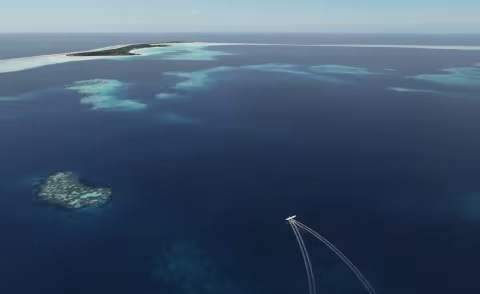
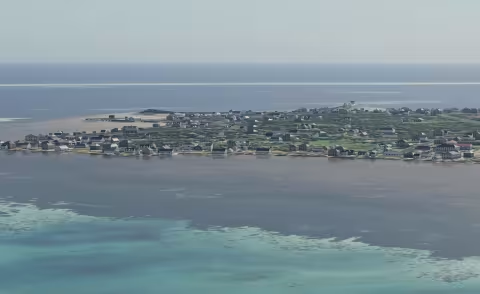
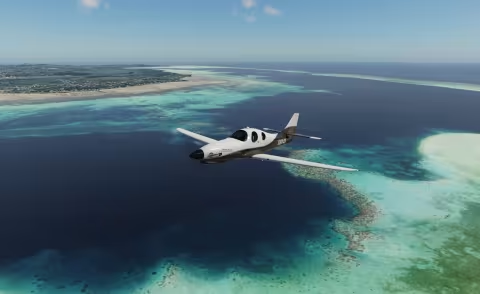
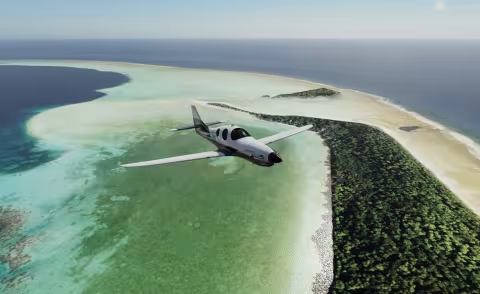
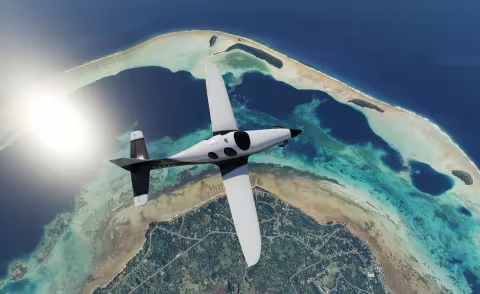
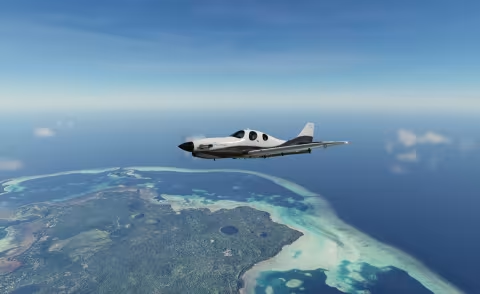
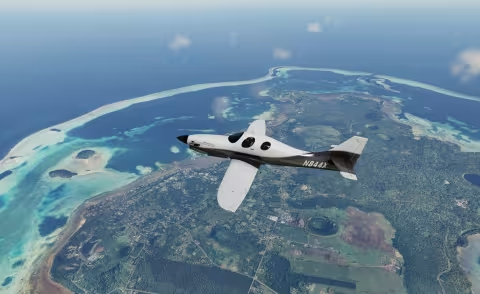
Installation
Extract the archive. Put aircraft into X-Plane 12\Aircraft and scenery into X-Plane 12\Custom Scenery. Restart X-Plane 12.
Always back up the original files first. Before installing, verify the downloaded archive against the hashes above.